ExpressLRS (ELRS) V3 & Rotorflight Setup & Tuning Master Class
An authoritative engineering guide on configuring ExpressLRS (ELRS) V3 control links, CRSF serial protocols, high-frequency telemetry bandwidth, and EdgeTX/Ethos Lua scripts for Rotorflight flybarless controllers.
1. Overview: Why ExpressLRS V3 for Rotary Wing Aviation?
Historically, RC helicopters relied on legacy PWM, SBUS, or Spektrum satellite protocols. While these legacy links provided basic control, they often limited telemetry update rates and introduced noticeable stick latency. The transition to open-source ExpressLRS (ELRS) V3 operating over high-speed CRSF (Crossfire) serial UART links represents a massive upgrade for Rotorflight pilots.
Unlike multirotors—where low-resolution 1-bit or 2-bit AUX channels are sufficient—RC helicopters require high-resolution 10-bit stick control (Aileron, Elevator, Collective, Rudder) combined with real-time bidirectional telemetry for governor headspeed data, ESC thermals, battery cell voltages, and live PID/Rate tuning via radio Lua scripts.
2. Hardware Wiring & Serial UART Configuration
ELRS receivers (such as the RadioMaster RP1, RP3, or Nexus-XR integrated receivers) require a full 4-wire hardware connection to a free UART on your flight controller:
- Receiver TX $\rightarrow$ Flight Controller RX Pad (Serial Data Input)
- Receiver RX $\rightarrow$ Flight Controller TX Pad (Telemetry Stream Output)
- 5V & GND $\rightarrow$ Regulated Power Source
3. ELRS Packet Rate & Telemetry Ratio Matrix
Choosing the correct ELRS packet rate and telemetry ratio determines the latency, stick resolution, and Lua script responsiveness of your Rotorflight setup:
| Packet Rate | Switch Mode | Telemetry Ratio | Ideal Flight Profile / Application |
|---|---|---|---|
| 100Hz Full | 8ch / 16ch Wide | 1:8 or 1:4 | Recommended for 90% of Heli Pilots: Full 10-bit channel resolution across all sticks with reliable telemetry streaming for Lua tuning scripts. |
| 250Hz | Wide Mode | 1:16 or 1:8 | 3D Competition / Fast Response: Lowers latency to ~4ms while maintaining smooth governor telemetry updates. |
| 333Hz / 500Hz | Wide Mode | 1:32 or 1:16 | Extreme Smack 3D: Ultra-fast stick processing, but requires high telemetry bandwidth to prevent transmitter Lua script slowdowns. |
4. Step-by-Step Setup Roadmap
-
Step 1: ELRS Receiver & Transmitter Flashing
Ensure both your ELRS transmitter module and receiver are updated to ELRS V3.x using the ExpressLRS Configurator. Flash matching binding phrases onto both units to enable seamless auto-pairing. Set regulatory domain to ISM_2400 (for 2.4GHz).
-
Step 2: Configurator Serial Protocol Setup
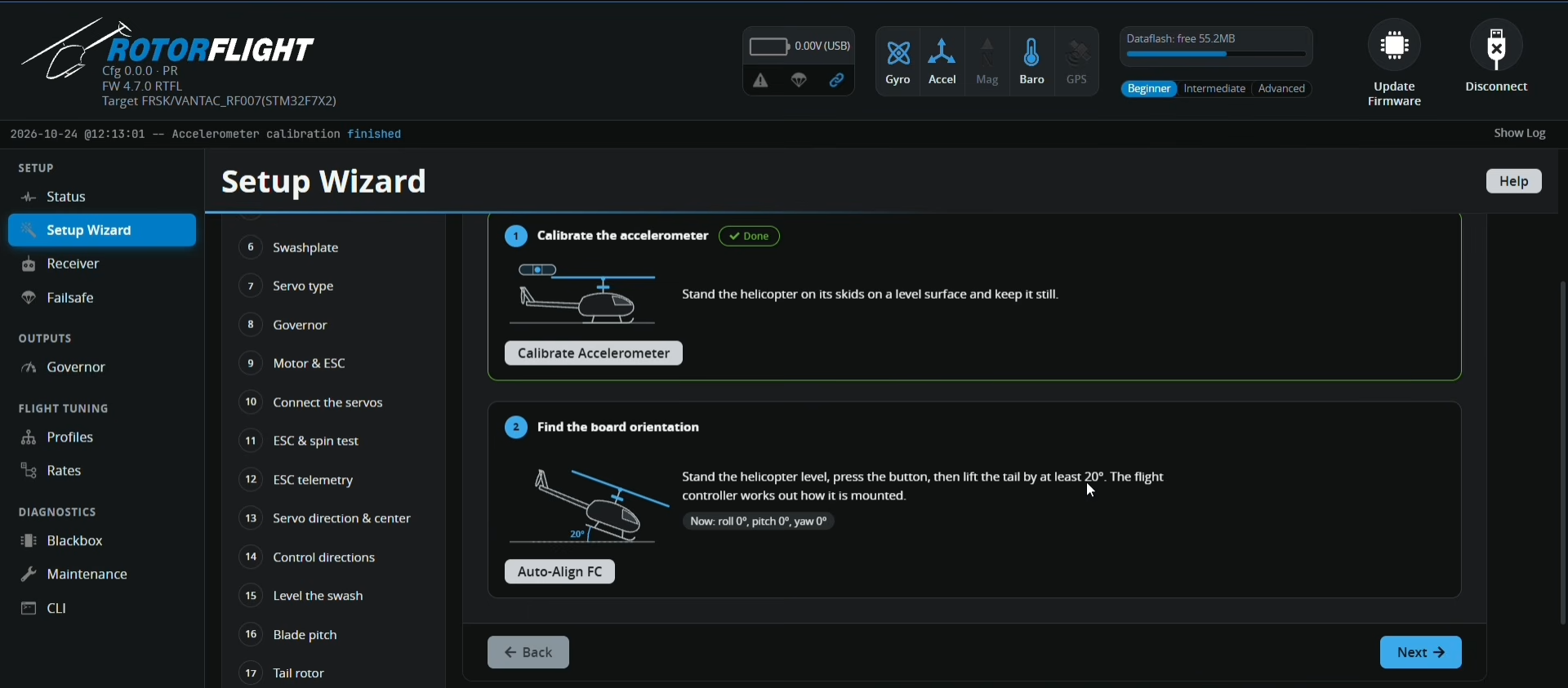
In Rotorflight Configurator, navigate to the Ports Tab and select Serial RX on the designated UART. In the Receiver Tab, set Receiver Type to
CRSF. Leave inverted signaling OFF unless using legacy FPort hardware. -
Step 3: Transmitter Channel Mapping & Endpoints
Set your radio channel order to AETR (Aileron, Elevator, Throttle, Rudder). Verify stick movements in Rotorflight Configurator. Ensure stick endpoints span precisely from 1000µs to 2000µs with midpoints dead-centered at 1500µs.
-
Step 4: Enable Custom Telemetry Sensors
In the Receiver Tab, enable Telemetry. Enable critical sensors including
ESC_VOLTAGE,ESC_CURRENT,ESC_RPM,ESC_TEMPERATURE, andFBL_STATUS. Execute "Discover New Sensors" on your EdgeTX/Ethos telemetry menu to populates live telemetry screens.
5. Eliminating Telemetry Lag & Lua Script Freeze
A common issue reported on pilot forums occurs when the transmitter Lua script freezes or loads slowly while attempting to adjust PID gains or governor speeds on the field. This is caused by a telemetry bandwidth bottleneck.
For example, running a 100Hz Full packet rate with a 1:8 telemetry ratio generates 12.5 telemetry updates per second, which provides a fast, stable link for live Lua script navigation without dropping control packets. If your Lua screens load slowly, decrease your telemetry ratio in the ELRS Lua menu from 1:32 or 1:16 down to 1:8 or 1:4.
6. Summary & Technical Takeaways
- Dedicated UART: Always wire ELRS to a true hardware UART (TX + RX) to support full bidirectional CRSF telemetry.
- Arming Interlock: Reserve Channel 5 (AUX1) strictly for Arming.
- Optimal Profile: For standard 550–700 class helicopters running Rotorflight 4.6 or 4.7, set ELRS to 100Hz Full or 250Hz Wide with a 1:8 Telemetry Ratio for the best balance of latency, stick resolution, and transmitter Lua script responsiveness.