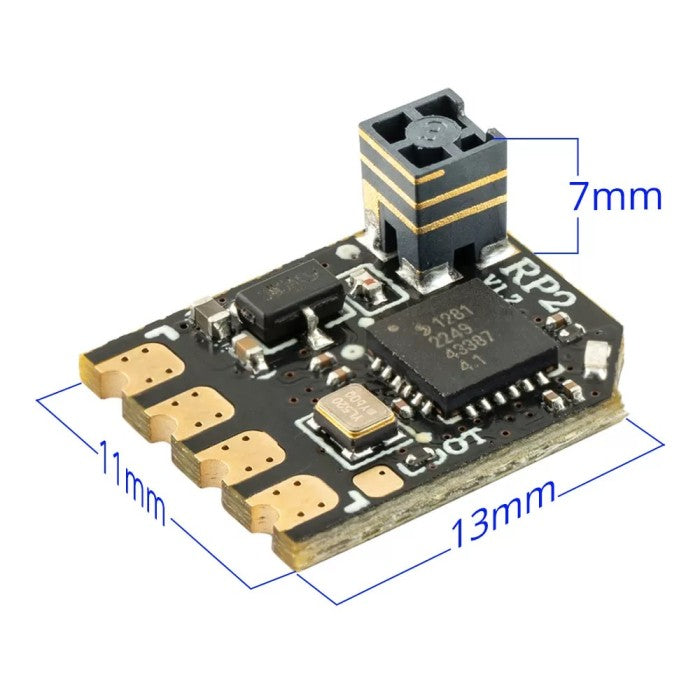
Wifi binding on RadioMaster controllers (usually featuring ExpressLRS or ELRS) allows you to wirelessly link your transmitter to your receiver by using a shared binding phrase. This removes the need for physical bind buttons or power-cycling drones.
The Wi-Fi Binding Process
- Power on your RadioMaster and ensure the internal ELRS module is turned on.
- Put the Receiver in Wi-Fi Mode: Power up your receiver (drone, plane, etc.). Wait a few seconds until the receiver goes into Wi-Fi binding mode.
- Note: Most modern ELRS receivers go into Wi-Fi mode automatically after about 30-60 seconds if they fail to connect to your radio, or by holding the boot/bind button for 7 seconds while powering on.
- Connect to Receiver's Network: On your computer or smartphone, check your available Wi-Fi networks. Look for a network named "ExpressLRS RX" and connect to it.
- Set the Binding Phrase: Once connected, open a web browser on your device and navigate to 10.0.0.1.Find the Binding Phrase field, type in your unique phrase (you can use whatever you like), and hit Save. The receiver will reboot.
- Set Radio to Same Phrase: Connect your radio to your computer or use the ExpressLRS Lua script on your transmitter to set the exact same Binding Phrase.
- Tip: If you use the ExpressLRS Configurator, type the same binding phrase into the firmware options before flashing your TX module