Understanding Modern Flybarless Systems & PID Tuning on Blade Helicopters
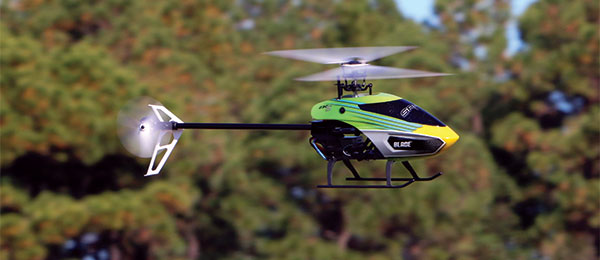
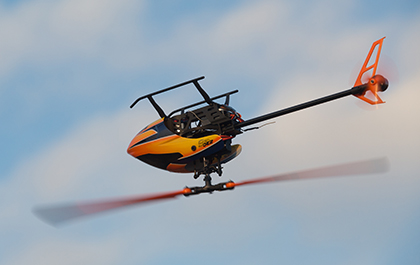
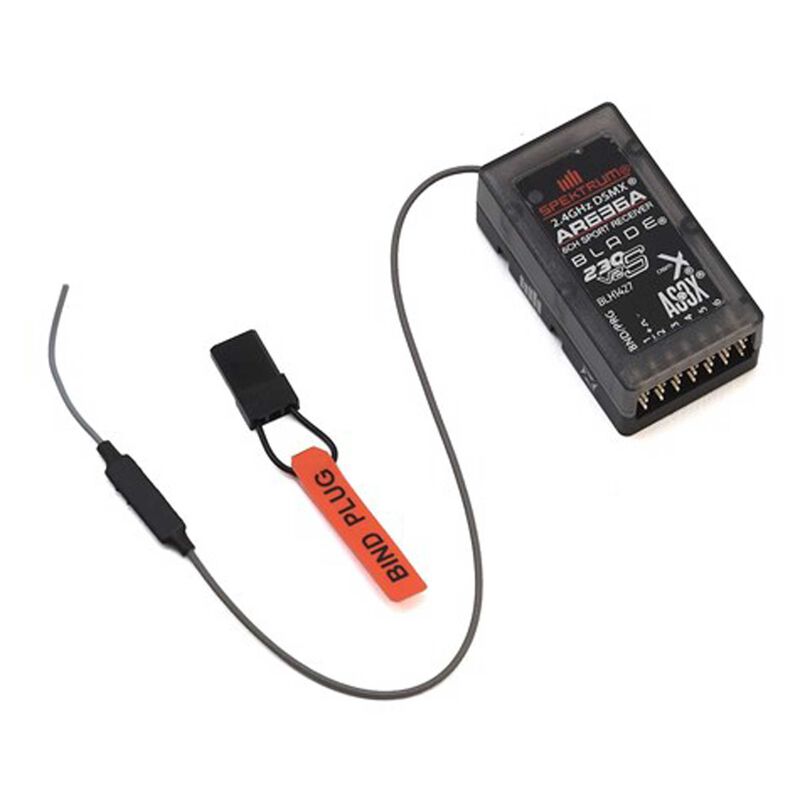
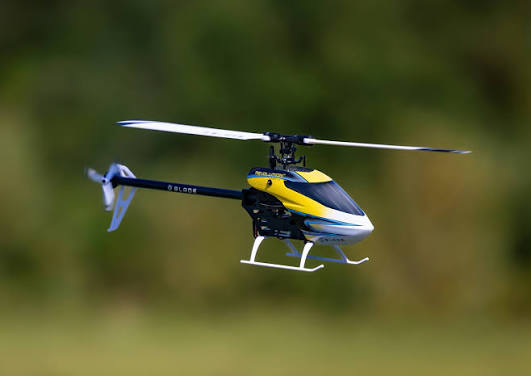
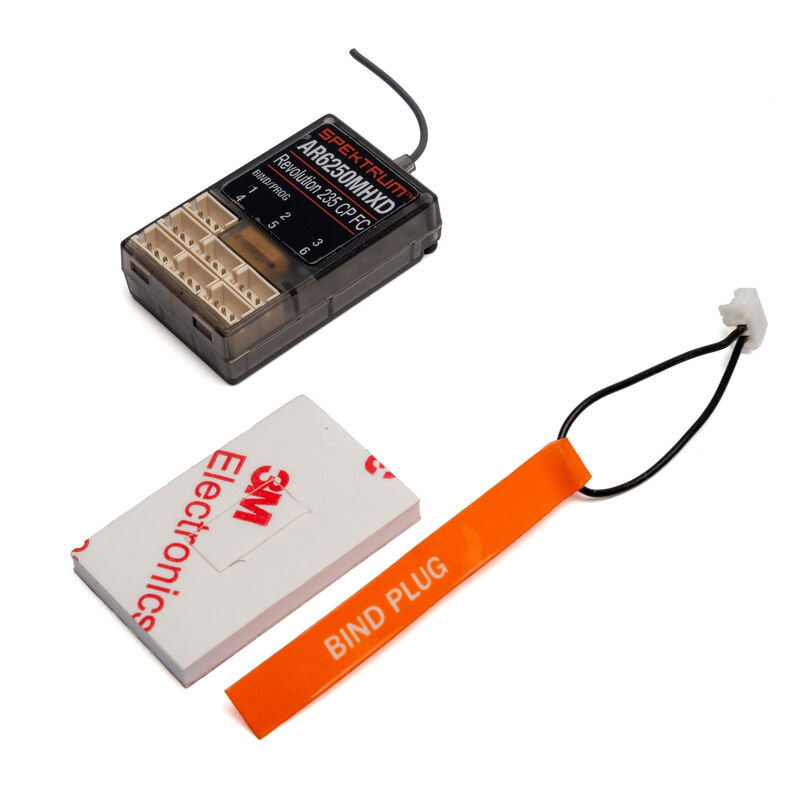
When getting started with modern collective pitch helicopters—such as the Blade 230 S, Blade 230 S V2, or Blade 235 CP—it is important to understand that under the canopy, these models operate using the same core technology as any high-performance 3D flybarless (FBL) helicopter. Rather than relying on mechanical flybars for stability, these helicopters utilize advanced electronic flight controllers, such as the Spektrum AR6363A (Blade 230S Flight Controller) or Spektrum AR6250MHXD (Blade 235 CP Flight Controller) series flight controllers which are typically programmed through their respective Spektrum Transmitters unless using a USB Programming cable.
 |  |  |  |
How the Flight Controller Works: 3-Axis Gyros & PID Control Loops
Inside the flight controller sits a suite of 3-axis MEMS gyroscopes and accelerometers. These sensors constantly measure the aircraft's rotation rates (roll, pitch, and yaw) and acceleration. To keep the helicopter stable and responsive to your stick inputs, the flight controller runs a continuous PID (Proportional, Integral, Derivative) control loop.
The PID loop calculates the difference between where you want the helicopter to go (your stick input) and where the helicopter actually is (sensor telemetry), adjusting servo positions and tail output hundreds of times per second to hold heading and attitude.
- Youtube Short on "What are PIDs"?
- RC FlightPath Intro to PID page <--- For more on PID tuning, click HERE
Accessing Tuning Parameters via Forward Programming
One of the largest advantages of Spektrum-based flybarless units is that you do not need to plug the helicopter into a computer or use a separate programming box at the field. All parameters, servo adjustments, and PID gains are tuned directly through your Spektrum transmitter using the Forward Programming interface.
To access the PID adjustments on your transmitter: Power on your transmitter and helicopter, engage Throttle Hold for safety, then scroll to Function List > Forward Programming > Gyro Settings > System Setup > Swashplate (or Tail Rotor) > PID Tuning.
Crucial Requirement: Flight Mode-Specific PID Tuning
When tuning PID values in Forward Programming on Spektrum flight controllers (like the FC6250HX), there is a critical behavior every pilot must be aware of: PID settings are flight mode-dependent.
How Flight Mode Switching Affects PIDs
Because higher head speeds generate more aerodynamic force and control authority, a helicopter requires lower PID gains in higher RPM flight modes (e.g., Idle Up 2) to prevent rapid oscillations or "wag." Conversely, lower head speeds (e.g., Normal Mode) require higher PID gains to stay crisp and locked in.
In Forward Programming, the active profile on your screen updates live based on the position of your transmitter's Flight Mode switch (Normal, Idle Up 1 / FM1, Idle Up 2 / FM2):
- If your radio is switched to Normal Mode when you enter Forward Programming, any PID adjustments you make will only apply to Normal Mode.
- If you then flip your flight switch to Idle Up 1 or Idle Up 2 and take off, the flight controller switches to that mode's PID table—leaving your changes inactive during flight!
Before adjusting any P, I, or D values in Forward Programming, always check the top corner of the screen or verify your switch position to ensure you are modifying the exact Flight Mode (Normal, FM1, or FM2) that you intend to fly and test.